
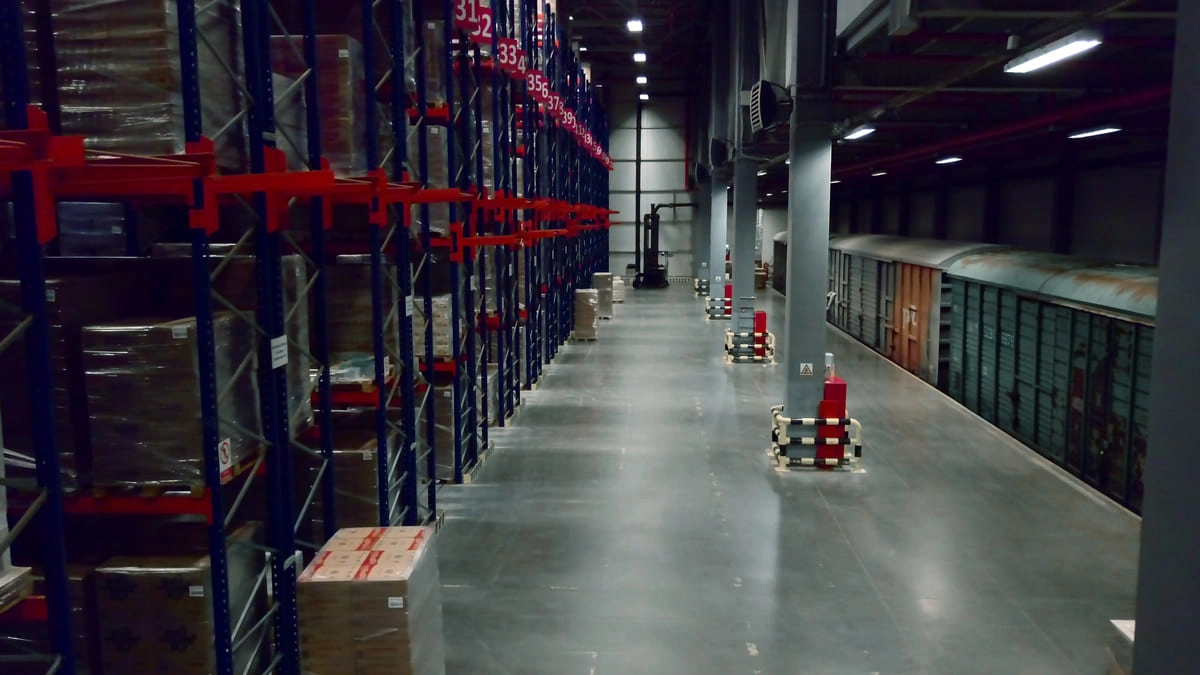
Warehouse and logistics management is the daily work of keeping physical stock and digital channel state in agreement, and for a small e-commerce team it fails or succeeds in the gap between the two. Most guides on this topic stop at definitions and a benefits list. That is fine if you run a textbook. It is useless when a picker pulls the last unit from a bin and Shopify, Amazon, and Etsy are still showing that SKU as available.
This guide takes a different route. Every warehouse decision you make, where a SKU lives, when you reorder it, how you pick it, flows straight into your channel counts and, from there, into what a customer sees at checkout. That handshake is the whole game. Here is how to run it well when you have 200 to 2,000 SKUs and three storefronts pulling from one shelf.
What Warehouse and Logistics Management Actually Means (Beyond the Textbook)
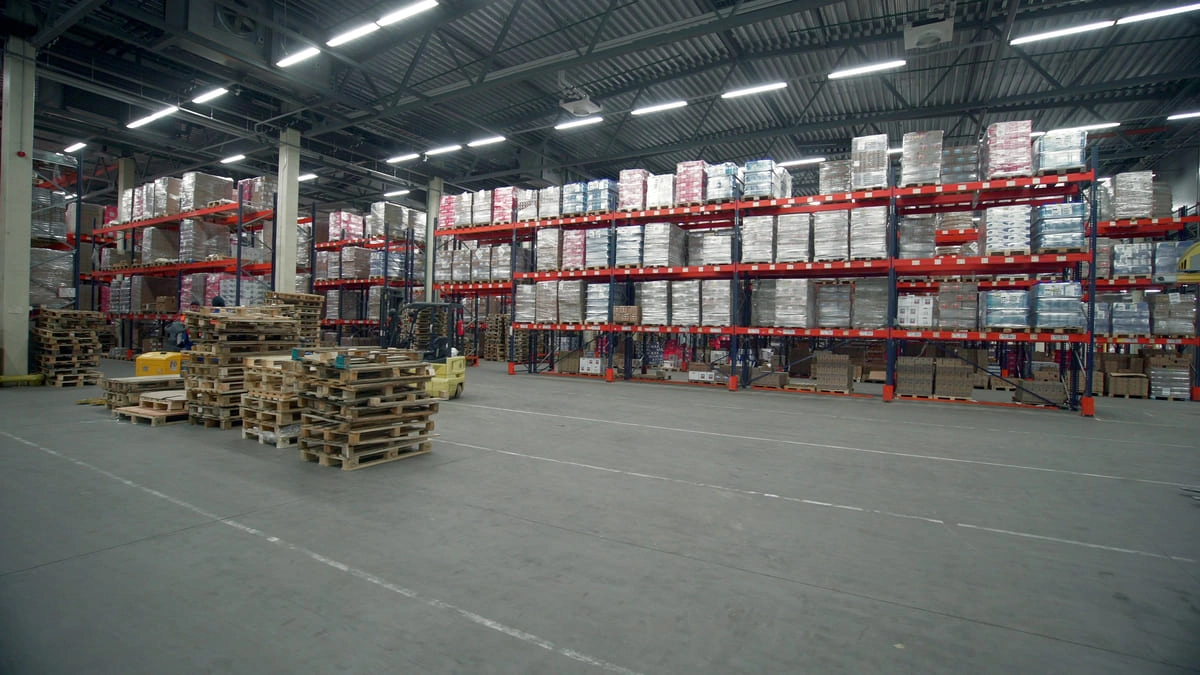
Logistics and warehouse management is the coordination of two connected disciplines: the physical handling of goods inside a facility and the planning that moves those goods in and out of it. Warehouse management covers the physical flow, receive, store, pick, pack, ship. Logistics management covers the planning layer, supplier coordination, routing, lead times, and carrier handoff.
Most guides conflate the two. That blur is where small teams get hurt. A bad bin location is a warehouse problem. A missed reorder point is a logistics problem. Both end up in the same place: a wrong number on your storefront.
The distinction matters because of speed. When one bin runs dry and the count does not update, a multi-channel seller can oversell across Shopify, Amazon, and Etsy within minutes. The order comes in, you cannot fulfill it, and you are refunding a customer and eating a marketplace metric ding. Warehouse logistics management, done right, closes that window so a physical event and a digital count never drift apart for long.
.jpg)
The Core Components of Warehouse Logistics Management
This is the mechanical backbone. Get these pieces right and the rest of your warehouse operations management gets easier. Get them wrong and no amount of software saves you.
Receiving and putaway
Receiving sets the tempo for everything downstream. When stock arrives, you count it, verify it against the purchase order, and assign it a home. That home is a bin/zone location, usually in an aisle-rack-shelf-bin format like A-03-2-B, so any picker can find it without asking anyone.
Skip proper putaway and you get inventory that is technically tracked and practically lost. The number in the system agrees with the number on the shelf only when staff know exactly which bin to open. Assign the location at receipt, scan it, and the tempo holds.
SKU slotting by velocity
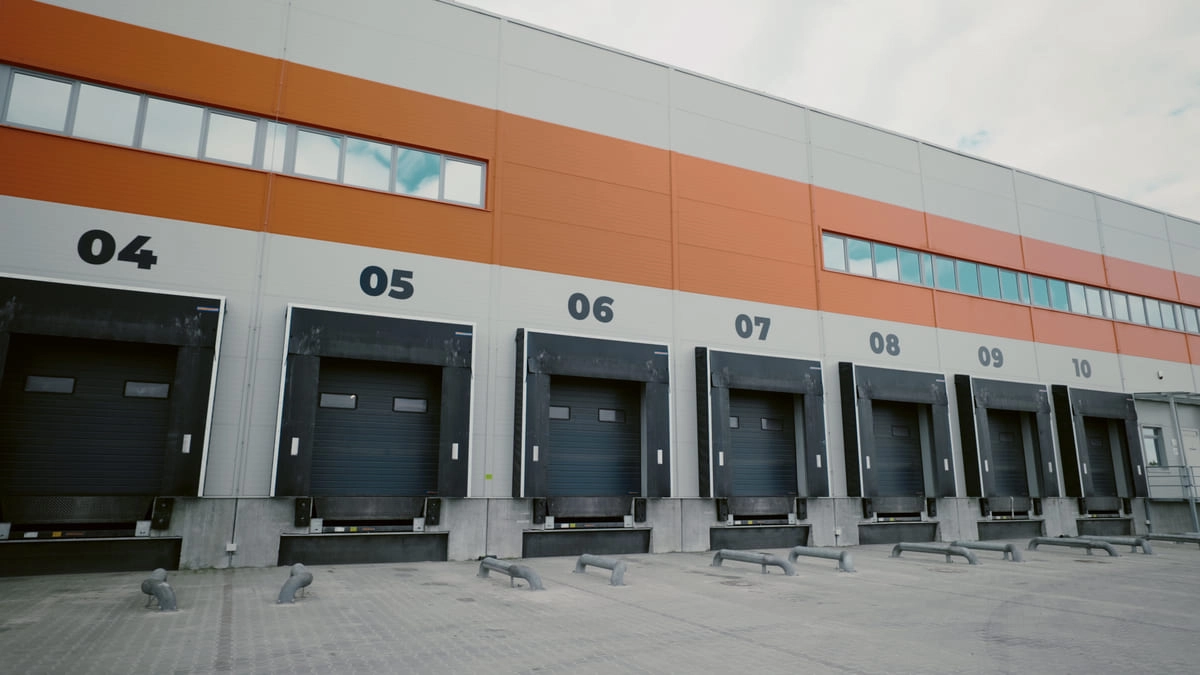
Not every SKU deserves the same shelf. Slot by velocity. Fast-moving A-class SKUs belong in forward pick zones, the pick-face positions a picker reaches first and fastest. Slow movers go to overflow, higher shelving, or deeper racking where the extra travel does not matter because you rarely go there.
The payoff is throughput. Shorter travel time per pick line means more lines picked per hour with the same staff. If you want the full warehouse zone and bin design walkthrough, our e-commerce warehouse essentials guide covers the layout logic in depth.
.jpg)
Storage and location management
A human-readable location system beats memorization every time. Bin codes, zone logic, and consistent formatting mean a new hire is productive on day one instead of week three. When someone quits, the knowledge does not walk out the door with them because it lives in the codes, not in a person's head.
Picking, packing, and dispatch
Your pick mode should match your SKU count and daily order volume. Single-order picking works when volume is low. Batch picking groups multiple orders for the same SKU to cut redundant trips. Zone picking splits the warehouse into areas and passes an order between them, which shines when you have many SKUs spread over a large footprint.
At packing, bill-of-materials logic earns its keep. If an order includes a kit or bundle, the system checks that every component is in stock before the order ships. That catches a kit shortfall on the pack bench instead of after the box goes out the door and the customer opens it short a piece.
.jpg)
Returns and reverse logistics
Competitors almost always skip this, which is strange because returns are where sellable inventory disappears. A return that sits in a box for a week is a unit you cannot sell and a count that lies to your storefronts. Grade the return, decide restock or scrap, and if it restocks, get it back into its bin and back into your available count fast. Reverse logistics is part of warehouse logistics management, not an afterthought.
Inventory Control: The Engine Connecting Warehouse Ops to Logistics
Ask what a warehouse and logistics manager does all day and the honest answer is inventory control. It is the decision loop they live in: what is on hand, what is running low, what needs ordering, and when. Everything else is downstream of getting that loop right.
SKU tracking at the bin level
Location-agnostic counts tell you that you have 40 units somewhere. Bin-level tracking tells you those 40 units are in A-03-2-B. The difference is critical. A global number can be right while the shelf is chaos, and that is exactly the state where pickers waste time hunting and mispicks creep in. Track at the bin and the count means something a picker can act on.
Safety stock and reorder points
Safety stock is the buffer you hold to absorb the unexpected: a late supplier, a demand spike, a slow shipment. The plain-language version of the calculation is average daily demand multiplied by the variability in your supplier's lead time. The longer and less reliable your lead time, the bigger the buffer you need.
Your reorder point is the level at which you fire a purchase order. Set it so a PO goes out before you dip into safety stock, not after. Reorder-point alerts do this without you watching a dashboard all day. When a SKU hits its trigger, you get told.
AI demand forecasting
Gut-feel reordering is where cash goes to die. Order too much and capital sits on a shelf. Order too little and you stock out of a bestseller. AI demand forecasting narrows the gap between what you think will sell and the actual run rate by reading your historical sales data and surfacing the trend before you feel it. It is the difference between reacting to a spike and planning for one.

Purchase order automation
The point of tying forecasting and reorder points together is to trigger POs at the right moment. Purchase order automation drafts the order when a SKU breaches its reorder point, so you are approving a PO before safety stock is touched instead of scrambling after a stockout. That is inventory and logistics management working as one loop rather than two disconnected chores.
Multi-Channel Sync: Where Warehouse Logistics Gets Hard for E-Commerce
Here is the part the generic guides never touch. You have one warehouse and three storefronts. Every unit on your shelf is potentially for sale on Shopify, Amazon, and Etsy at the same time. That is a race condition, and it is the hardest problem in e-commerce warehouse logistics.
The real-time inventory race
Say you have three of a SKU left. A customer on Amazon buys one. A customer on Etsy buys one. A customer on Shopify buys one. If your counts do not update the instant each sale lands, all three channels keep showing stock and you can sell four, five, six units you do not have. The physical shelf is the truth. Every storefront is a copy that drifts the moment it stops syncing.
How sync should actually work
A warehouse management system built for this propagates a bin-level pick confirmation to every storefront at once. The moment a picker confirms the pull, the available count drops everywhere. Our Shopify warehouse management guide goes deeper on the Shopify side of this, but the principle holds across channels: one physical event, one synchronized update, no channel left showing a stale number.

Overselling, phantom inventory, and allocation
Two failure modes cost small sellers the most. Overselling is when you sell more than you have because counts lagged. Phantom inventory is the reverse, stock the system thinks is gone but is actually on the shelf, which quietly kills sales you could have made.
Allocation logic is the fix for overselling. You reserve units to a channel before a pick, so committed stock is not double-counted as available elsewhere. It draws a line between what is truly free to sell and what is already spoken for.
What "real-time sync" really means
Real-time is not a slogan, it is a latency threshold. A sync that updates in under a minute keeps the oversell window small enough that a race across three channels rarely resolves against you. A sync that runs on a fifteen-minute cron job is where multi-channel warehouse management breaks during a busy hour. Ask any vendor how fast their sync propagates, and treat vague answers as a red flag.
Warehouse Management Systems (WMS): What Small E-Commerce Teams Actually Need
A warehouse management system in logistics is the software that runs all of the above. The problem is that most WMS marketing is aimed at enterprises with pallets, forklifts, and dedicated IT staff. A 200 to 2,000 SKU operation needs something else.
The feature gap
Enterprise WMS platforms carry labor management, slotting optimization engines, yard management, and a dozen modules a small team will never open. You pay for that complexity in license cost and in weeks of implementation. A purpose-built tool for small e-commerce strips it down to what actually moves your orders out the door.
Must-have capabilities
For a small logistics warehouse operations setup, the non-negotiables are:
Barcode-driven receiving so counts start accurate
Bin/zone location tracking so stock is findable
Reorder-point alerts so you order before you run dry
Purchase order management so restocking is one loop, not two
Native channel sync to Shopify, Amazon, and Etsy so counts never drift

Nice-to-have vs. necessary
AI demand forecasting, bill of materials, and 3PL or multi-location support are strong features, but where they sit depends on your business. If you sell bundles or manufacture, bill of materials moves from nice to necessary fast. If you use a fulfillment partner, multi-location support is not optional. Match the feature list to how you actually operate rather than to a spec sheet.
Is WMS difficult to learn?
A WMS built for small e-commerce teams should not require weeks of training. Enterprise systems are hard because they are built for complexity most small sellers do not have. A purpose-built tool with barcode receiving, clear bin codes, and native channel sync should have your team receiving, picking, and shipping within days, not months. The learning curve lives in the process discipline, consistent scanning and honest counts, far more than in the software itself.
The 4 Types of Logistics Management and How Each Touches Your Warehouse
The four types of logistics management are inbound, outbound, reverse, and third-party logistics. Every one of them touches your warehouse floor, so here is each through the operations lens instead of the supply-chain-theory lens.
Inbound logistics
Inbound is everything upstream of your shelf: supplier lead times, PO tracking, and receiving accuracy. This is where your safety-stock math pays off, because a supplier who runs long forces a bigger buffer. Accurate receiving is the first checkpoint that keeps your counts honest for the rest of the SKU's life.
Outbound logistics
Outbound is your pick, pack, and ship flow through to carrier handoff. Your pick/pack SLAs and the accuracy of your dispatch decide the last-mile experience. A wrong item or a late shipment is a warehouse decision showing up as a customer complaint. Outbound is where warehousing and logistics become the customer experience.

Reverse logistics
Reverse logistics is returns: processing, condition grading, and the restock-or-scrap decision. Handle it slowly and you carry phantom inventory and lose sellable units. Handle it fast and returned stock is back in its bin and back in your available count within a day.
Third-party logistics (3PL)
3PL is outsourced fulfillment, and the trap is thinking it removes your need for warehouse visibility. It does not. Even when a partner picks and ships, your WMS still needs to track inventory location and sync those counts to every storefront. You outsourced the labor, not the truth. Split quantity for a SKU between your own stock and a fulfillment provider, and your system needs to know who ships each order so counts stay right across both.

Common Warehouse Logistics Challenges and How to Solve Them Operationally
Everyone lists the challenges. Space, staff, tech. Here is each one tied to a specific lever you can actually pull.
Stockouts and overstocks. Trace both back to safety-stock miscalculation and poor demand visibility. A stockout usually means your reorder point was set too low for your real lead time. An overstock means you bought on gut instead of run rate. The lever is recalculating safety stock against actual lead-time variability and letting forecasting inform the reorder quantity.
Pick errors. Mispicks come from ambiguous locations and pickers working from memory. The lever is bin-level location codes plus barcode scanning at the pick. Scanning verifies the right SKU from the right bin without slowing the picker down, because a scan is faster than a second-guess.
Demand spikes. Seasonal and promotional spikes break static reorder points, because a number set for a normal week is wrong for Black Friday. The lever is AI demand forecasting that reads the pattern and adjusts your expected run rate ahead of the spike, so your buffer is sized for the surge before it hits.
Scaling from one channel to three. Adding channels fragments your inventory picture. The same shelf now feeds three storefronts, and without a single source of truth you oversell. The lever is channel allocation rules and real-time sync, so committed and available stock stay separate across every channel. This is the core of multi-channel warehouse management, and it is the thing that breaks first when a growing seller keeps using single-channel habits.
Building a Warehouse Logistics Management Process: A Step-by-Step Framework
Treat this as a repeatable operating cadence, not a one-time project. Steps 3 and 5 are where most small teams underinvest, and they are exactly where good software does the heaviest lifting.
Step 1. Map your physical flow. Define zones, aisles, and bin codes, and lay out one-way traffic paths so pickers do not cross each other. Your bin format should be human-readable and consistent. The e-commerce warehouse setup walkthrough covers this layout in detail if you are starting from a blank floor.
Step 2. Build your item master. Every SKU gets a barcode or GTIN, dimensions, weight, and a pick unit of measure. This is the foundation the whole system stands on. A sloppy item master means sloppy everything downstream.
Step 3. Set reorder points and safety stock per SKU. Base them on real supplier lead time and demand rate, not a flat rule across the catalog. A fast mover with a long lead time needs a different trigger than a slow mover you can restock in three days. This is where most teams cut corners, and it is where reorder-point alerts remove the guesswork.
Step 4. Choose your pick mode per velocity tier. Single, batch, or zone, matched to how fast each SKU moves and how many orders you push per day. You do not have to pick one mode for the whole warehouse.
Step 5. Connect your WMS to every sales channel and verify sync on day one. Do not trust that it works, test it. Sell a unit, confirm the pick, and watch the count drop on Shopify, Amazon, and Etsy. This step is where fragmentation either gets solved or gets baked in.
Step 6. Measure and iterate. Track ship-by accuracy, pick error rate, and stockout frequency. These three numbers tell you whether your process is holding. When one slips, trace it back to a specific step and fix the lever, not the symptom.
Warehouse logistics best practices are not a poster on the wall. They are these six steps run on a cadence, reviewed against real numbers, and tightened where the data says they are loose.
Warehouse Management for Shopify Stores
Shopify tracks inventory. It does not manage a warehouse. That gap is the one that bites Shopify sellers as they grow, and it is worth being blunt about.
Out of the box, Shopify holds a number for each variant at each location. That number is a counter, not an operating system for your shelf. It will not tell a picker which bin to open. It does not know your supplier's lead time well enough to reorder before you run dry. And, most dangerous for a growing store, it only sees Shopify's own sales, so the unit Amazon just pulled off the same shelf does not exist to Shopify until something tells it. A Shopify location is a whole site, not an aisle-rack-shelf-bin. The "continue selling when out of stock" toggle is a quiet oversell waiting to happen.

The fix is the handshake this whole guide is built on, aimed at Shopify. A WMS sits behind your store as the source of truth. A picker confirms the bin-level pull, and the available count drops on Shopify the same instant it drops on Amazon and Etsy. One physical event, one synchronized number, no storefront left advertising stock you already picked.
That purpose-built tool the guide keeps describing has a name for Shopify sellers: Organizely. It installs on Shopify, imports your products and orders in a single session, and syncs both ways in real time, change a count in Organizely and it lands in Shopify, sell on Shopify and Organizely already knows. Underneath sits the rest of the loop: a Warehouse → Zone → Aisle → Shelf → Bin hierarchy with barcodes you scan from your phone, reorder thresholds that draft the PO before you touch safety stock, and multi-managed inventory that splits a SKU between your own shelf and a 3PL so Shopify always knows who ships. It is built and priced for a small, growing shop rather than an enterprise ERP, with a free trial and no contract if you want to watch the count drop on your own catalog first.
Shopify is where the promise to your customer gets made. Your warehouse is where it gets kept. Keep the two honest and the store scales without the refunds.
Frequently Asked Questions
What is logistics and warehouse management?
Logistics and warehouse management is the coordination of physical goods handling inside a facility (receive, store, pick, pack, ship) with the planning that moves goods in and out of it (supplier coordination, lead times, routing, and carrier handoff). For an e-commerce seller, the two must stay in sync so that physical stock and the counts shown on every sales channel always agree.
What does a warehouse and logistics manager do?
A warehouse and logistics manager runs the daily inventory control loop: knowing what is on hand, what is running low, and what needs reordering, then coordinating receiving, storage, picking, packing, shipping, and returns. They set safety-stock levels and reorder points, manage purchase orders, and make sure warehouse activity keeps channel counts accurate.
Is WMS difficult to learn?
A warehouse management system built for small e-commerce teams should not be difficult to learn. Enterprise WMS platforms are complex because they carry modules most small sellers never use, but a purpose-built tool with barcode receiving, bin/zone tracking, and native channel sync can have a small team productive within days. The harder part is the process discipline, consistent scanning and honest counts, rather than the software.
What are the 4 types of logistics management?
The four types of logistics management are inbound (supplier lead times, PO tracking, and receiving), outbound (pick, pack, ship, and carrier handoff), reverse (returns processing and restocking), and third-party logistics (outsourced fulfillment). Each one touches your warehouse, and even with a 3PL your system must still track inventory location and sync counts to every storefront.